Blu-Ray & DVD Players
Key Takeaways
- Understanding the difference between Blu-ray and DVD players.
- Compatibility with various formats and media.
- Essential features to look for in a Blu-ray or DVD player.
- How to integrate players into your home theater system.
- Recommended accessories to enhance your viewing experience.
When it comes to creating an immersive home theater experience, Blu-ray and DVD players play a crucial role. They not only provide access to your favorite movies and shows but also offer various features that enhance the viewing experience. In this guide, we'll explore the essential aspects of Blu-ray and DVD players, helping you make an informed decision for your home setup.
Understanding Blu-Ray vs. DVD Players
Before diving into features and compatibility, it's important to understand the key differences between Blu-ray and DVD players:
| Feature | Blu-Ray Player | DVD Player |
|---|---|---|
| Video Quality | High-definition (HD) and 4K | Standard-definition (SD) |
| Storage Capacity | Up to 50GB (dual-layer) | 4.7GB (single-layer) |
| Audio Quality | Supports advanced audio formats | Standard audio formats |
| Price Range | Higher | Lower |
Key Features to Consider
When selecting a Blu-ray or DVD player, consider the following features:
- Playback Compatibility: Ensure it can play various disc formats.
- Streaming Capabilities: Many players now support streaming services.
- 4K Upscaling: This feature enhances DVD quality to near-4K resolution.
- Smart Features: Built-in Wi-Fi and apps for streaming content.
- HDMI Outputs: Necessary for connecting to modern TVs.

How to Integrate Your Player into a Home Theater System
Integration of your Blu-ray or DVD player into your home theater is essential for a seamless experience. Follow these steps:
- Connect the player to your TV using an HDMI cable.
- Set up your sound system for optimal audio output.
- Configure network settings for streaming services.
- Test playback with various discs and streaming content.
- Adjust settings according to your preferences.
Recommended Accessories
To enhance your Blu-ray or DVD player experience, consider the following accessories:
- Universal Remote: Simplifies control over multiple devices.
- HDMI Cables: High-quality cables for better audio and video quality.
- Screen Cleaner: Keeps your screens clear for optimal viewing.
- Storage Solutions: Organizes your DVD and Blu-ray collections effectively.
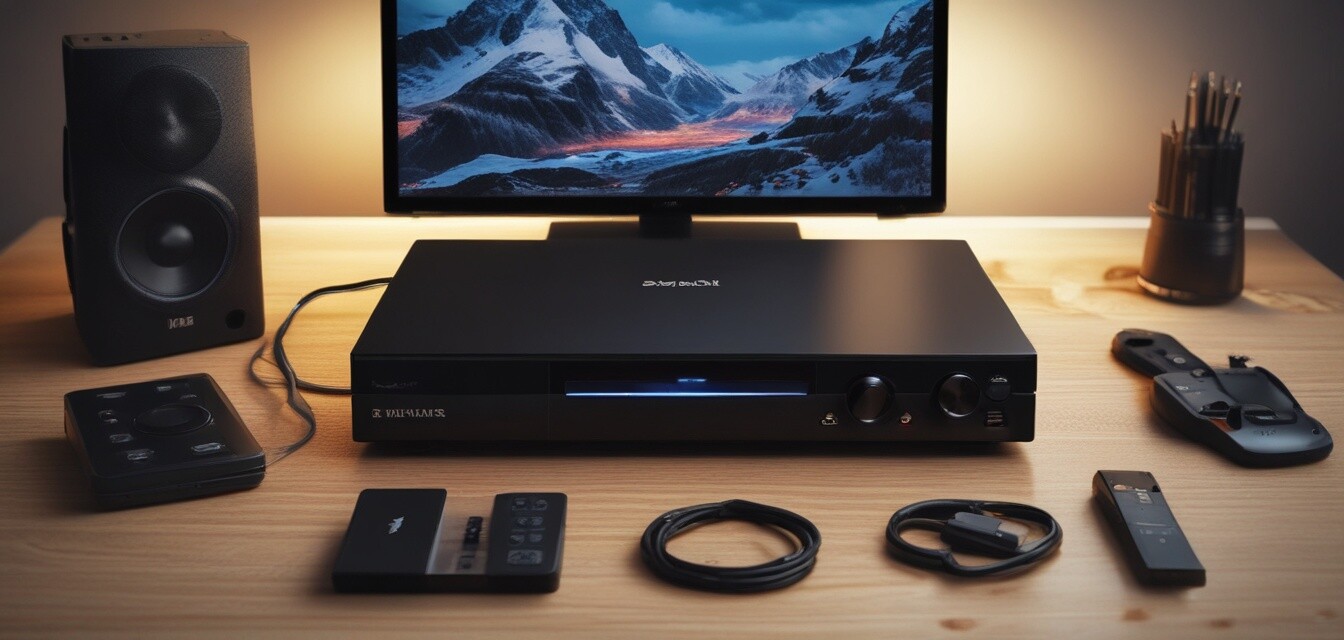
Comparing Top Blu-Ray & DVD Players
When choosing the right player, it can be helpful to compare features side-by-side. Here’s a simple comparison table:
| Player Model | Video Output | Streaming Services | 4K Upscaling | Audio Formats |
|---|---|---|---|---|
| Model A | 4K | Netflix, Hulu | Yes | DTS, Dolby Atmos |
| Model B | 1080p | Amazon Prime | No | Dolby Digital |
| Model C | 4K | All major services | Yes | DTS, Dolby Atmos |
Conclusion
Investing in a high-quality Blu-ray or DVD player is essential for creating a home theater experience that rivals the cinema. By understanding the features, compatibility, and accessories, you can choose a player that fits your needs perfectly. For more insights on home theater solutions, check out our other articles on accessories and mounts and sound systems.
Pros
- High-quality video and audio output.
- Access to a wide range of movies and shows.
- Enhanced features like streaming and 4K upscaling.
Cons
- Higher cost compared to standard DVD players.
- Requires a compatible display for optimal performance.
- Some models may lack certain streaming capabilities.