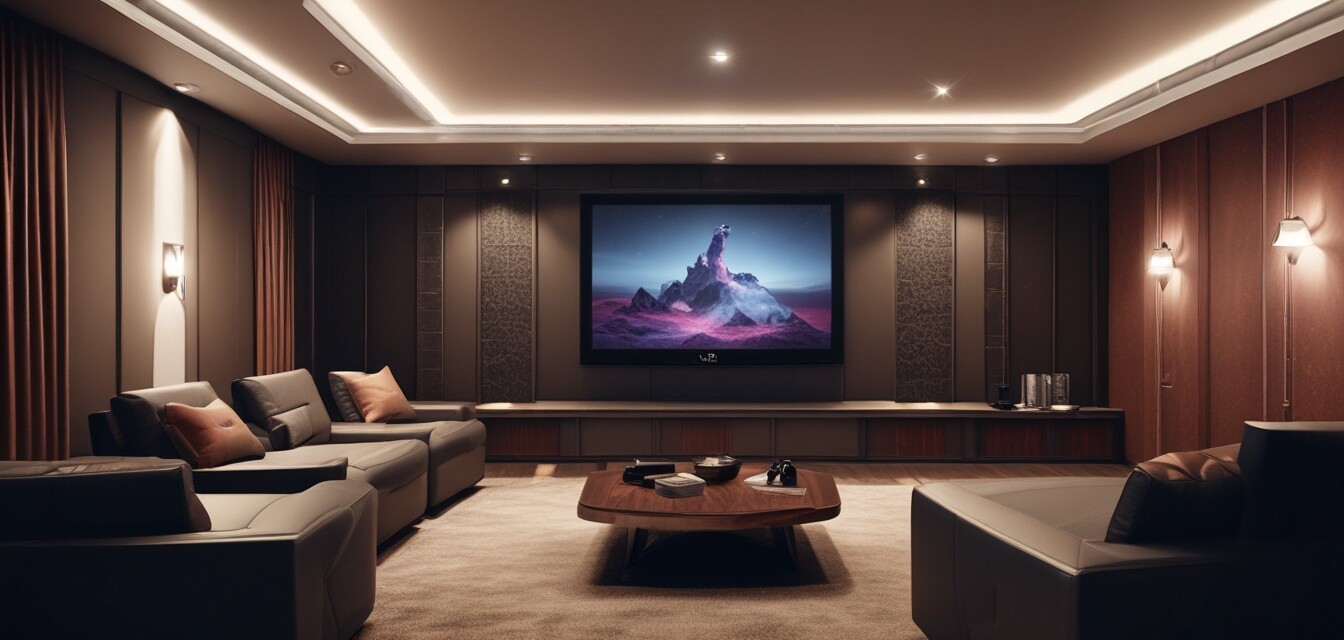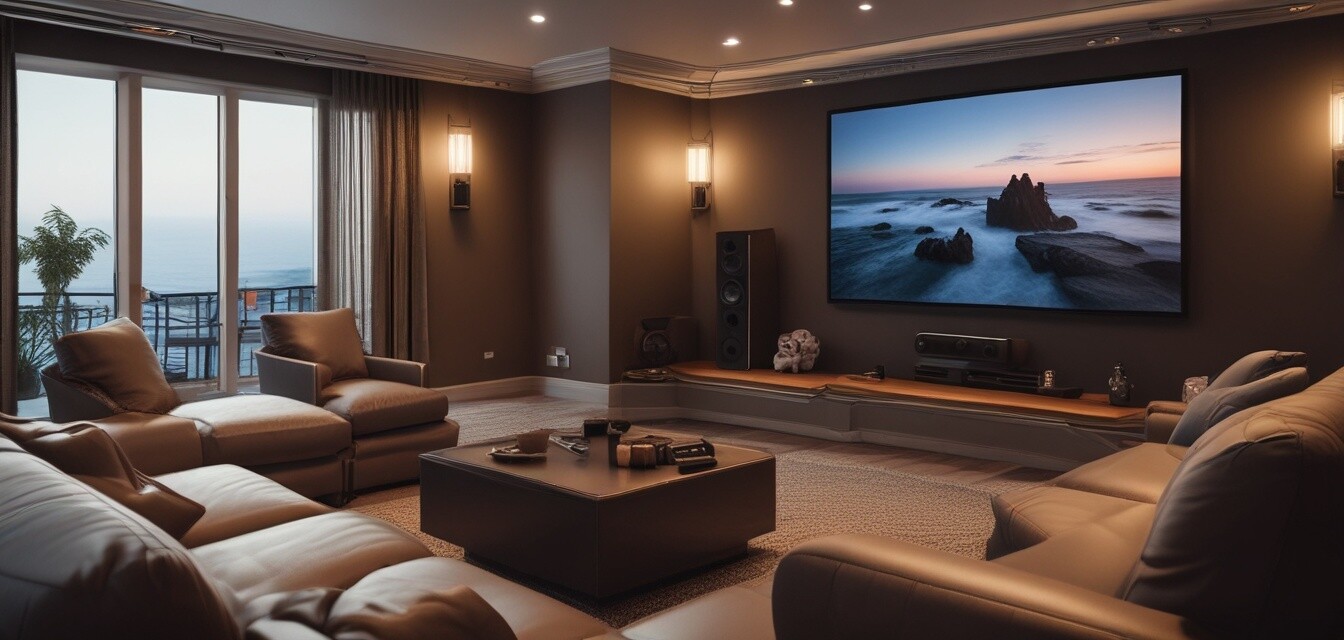
Installation & Setup: Comprehensive Guide on Setting Up and Installing Home Theater Equipment
Key Takeaways
- Choosing the right components is crucial for your home theater experience.
- Proper space preparation can significantly enhance audio and video quality.
- Follow best practices for connecting devices and setting up your equipment.
- Calibration can optimize your audio and video performance.
- Regular maintenance keeps your system running at its best.
The heart of any entertainment experience lies in your home theater setup. Whether you're watching films, playing video games, or listening to music, having a well-integrated system makes all the difference. In this guide, we will cover the essential steps for installing and setting up your home theater equipment, ensuring you enjoy the best experience possible.
Choosing Your Home Theater Components
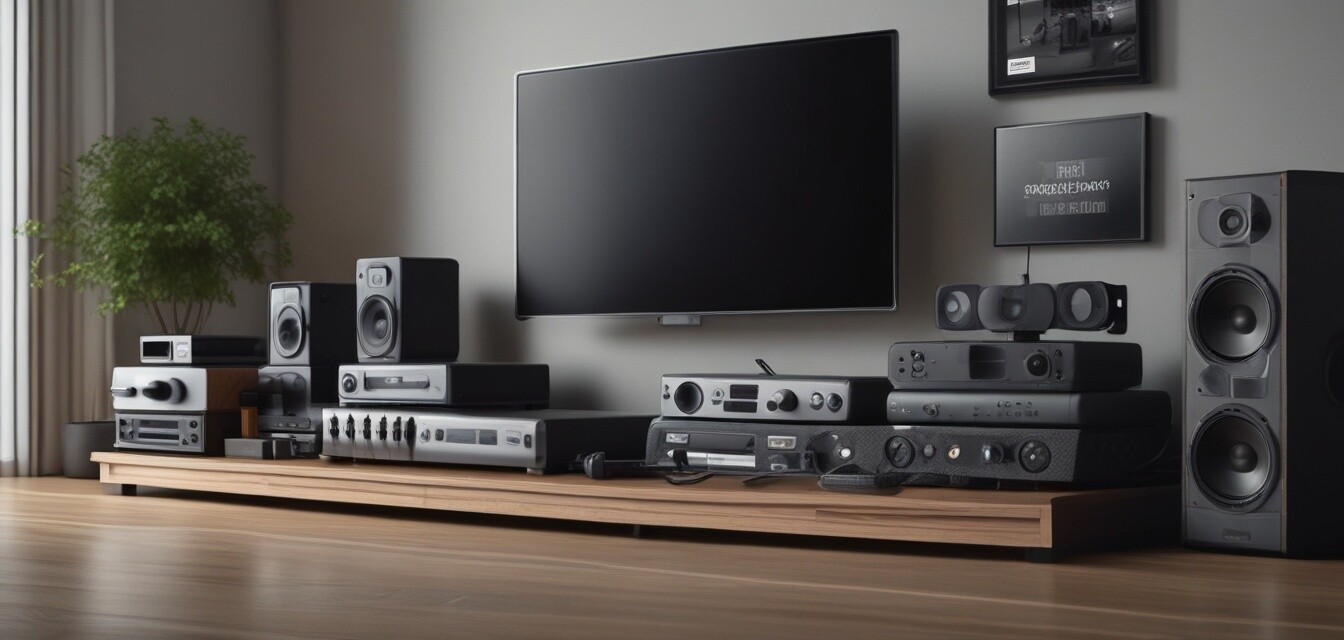
The first step in your home theater journey is selecting the right components. The following table summarizes key home theater equipment to consider:
| Component | Description |
|---|---|
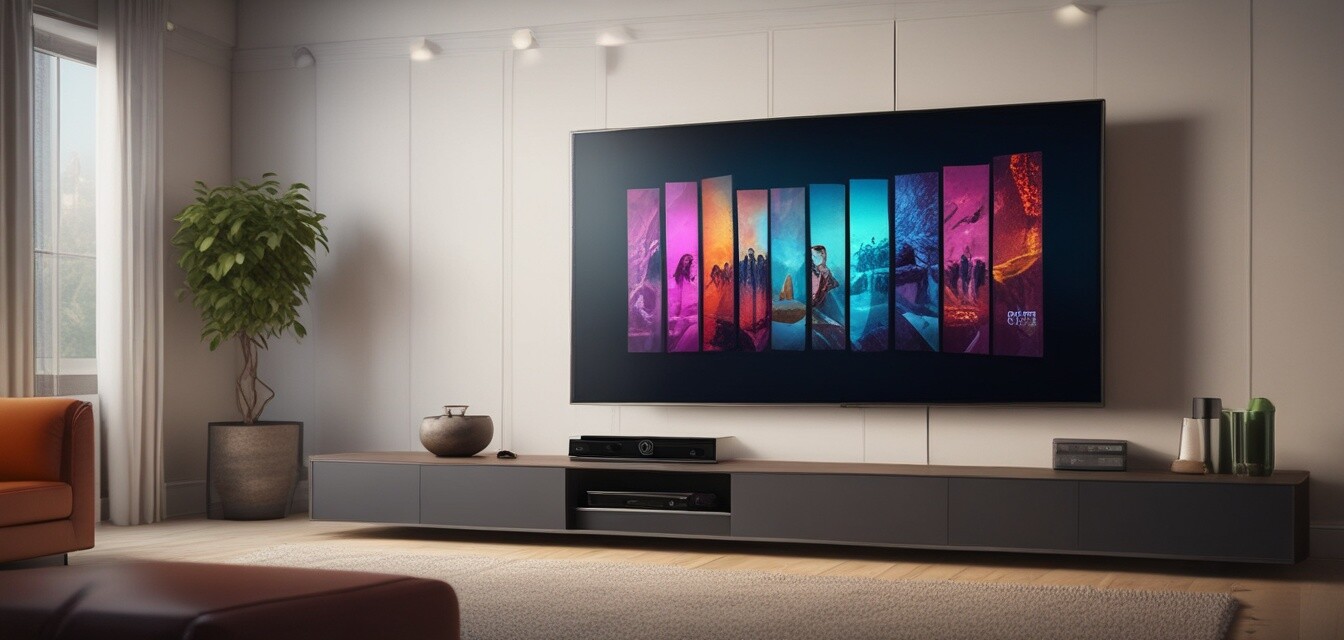
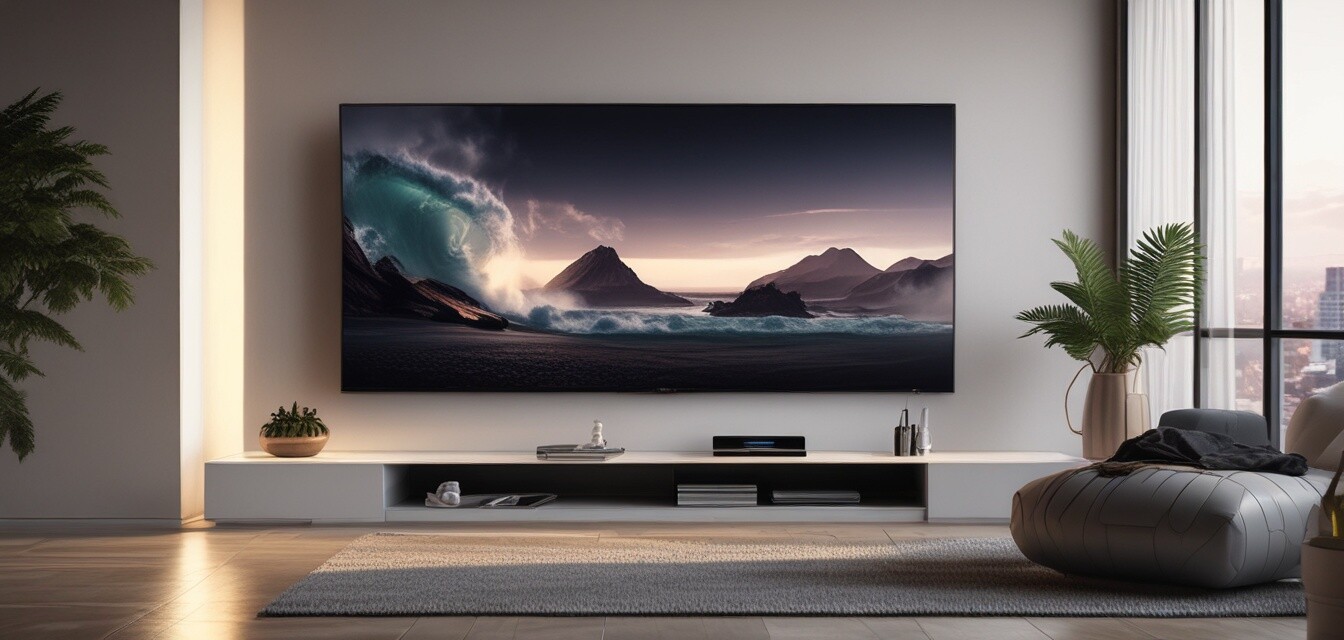
| Television | Your main screen display, choose size and resolution based on your room's space. |
| Audio System | Includes speakers and a receiver which is essential for immersive sound. |
| Streaming Devices | Allows access to a variety of streaming services. |
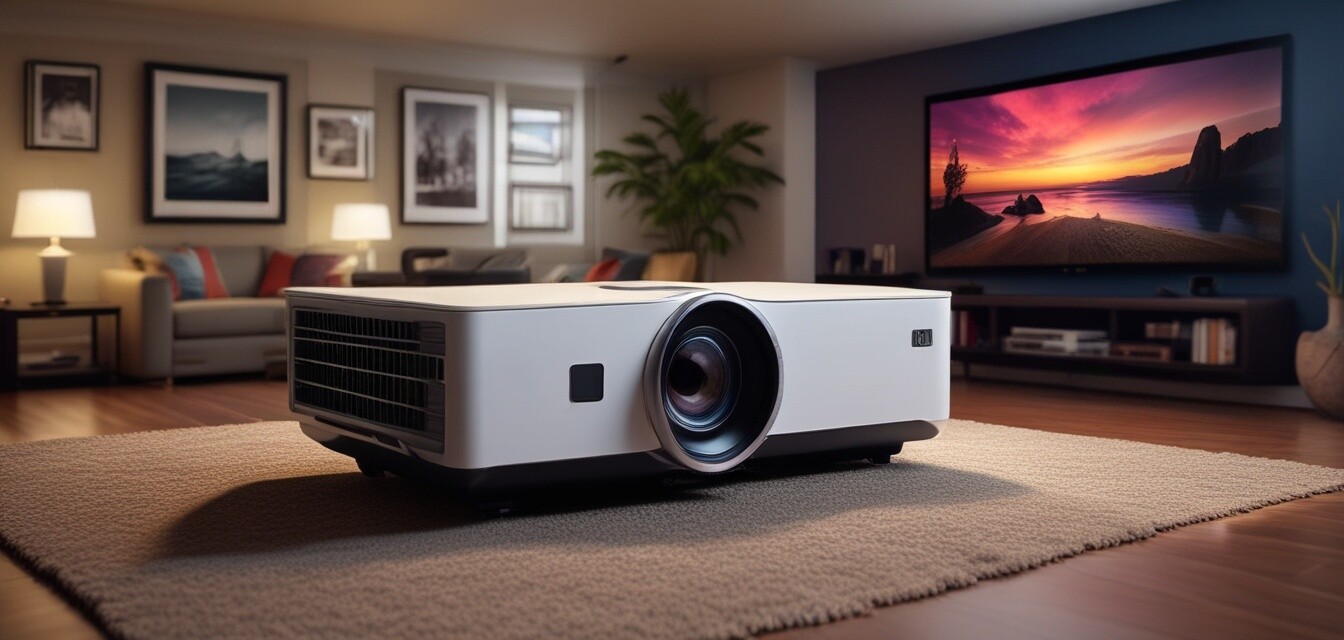
| Projector | Great for large screens and immersive movie nights. |
| Mounts & Accessories | Necessary for proper installation and organizational setup. |
Preparing Your Space
Before you begin with the installation, it's critical to prepare your space.
Tips for Space Preparation
- Choose a room with controlled lighting for better viewing.
- Position your seating at an optimal distance from the screen.
- Consider adding acoustic panels for better sound quality.
- Ensure there are enough power outlets for all devices.
Connecting Your Devices
Once you've selected and prepared your equipment, it's time to connect everything. The key connections are:
- Connect your television or projector to power.
- Link audio receivers to your speakers and television.
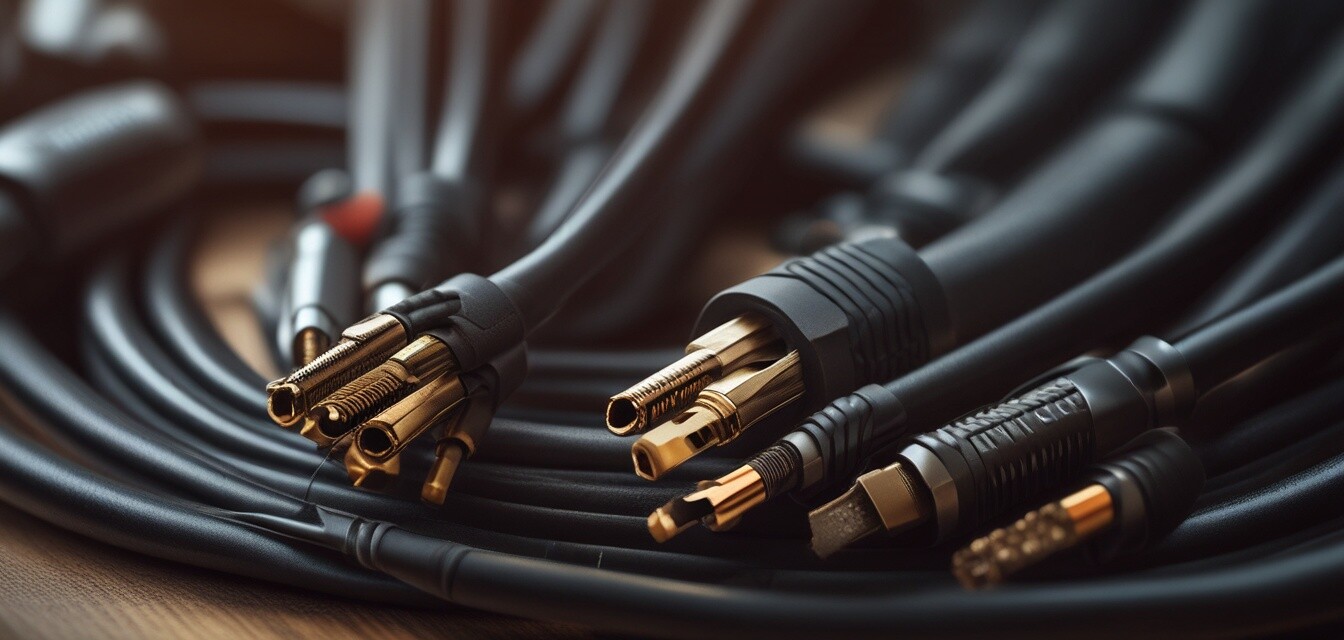
- Attach streaming devices via HDMI or optical cables.
- Set up any gaming consoles the same way as streaming devices.
Calibration and Setup
With everything connected, the next step is to calibrate your equipment properly.
Steps to Calibrate Your Home Theater
- Use an audio calibration tool to set speaker distances.
- Adjust display settings for brightness and contrast.
- Investigate options in your streaming device for optimal settings.
Maintaining Your Home Theater
To ensure longevity and optimal performance, regular maintenance is important.
Pros
- Enhanced entertainment experience.
- Increased value of your home.
- Customizable based on personal preferences.
Cons
- Can be expensive to set up.
- Installation may require professional help.
- Requires ongoing maintenance and updates.
Final Thoughts
Setting up a home theater can be a fulfilling project that brings your movie-watching and gaming to the next level. By following the guidelines outlined in this article, you can create a space that enhances your overall entertainment experience.
Related Articles
Explore more about improving your home theater system:
Visual Aids
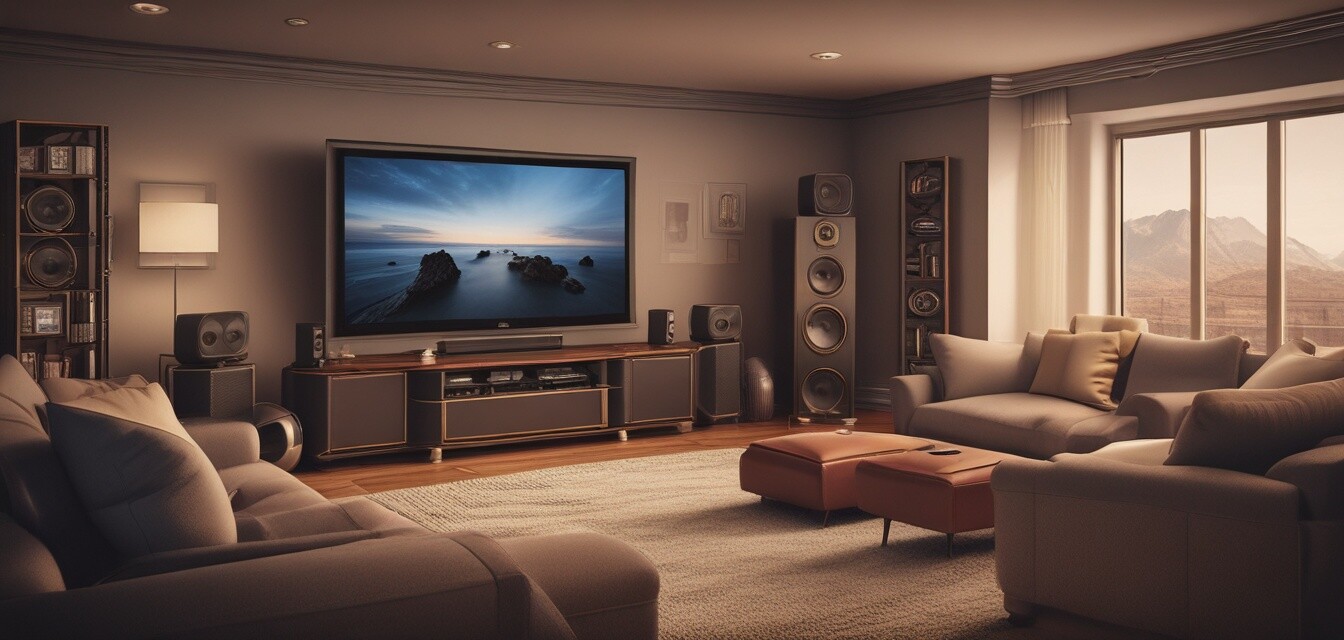
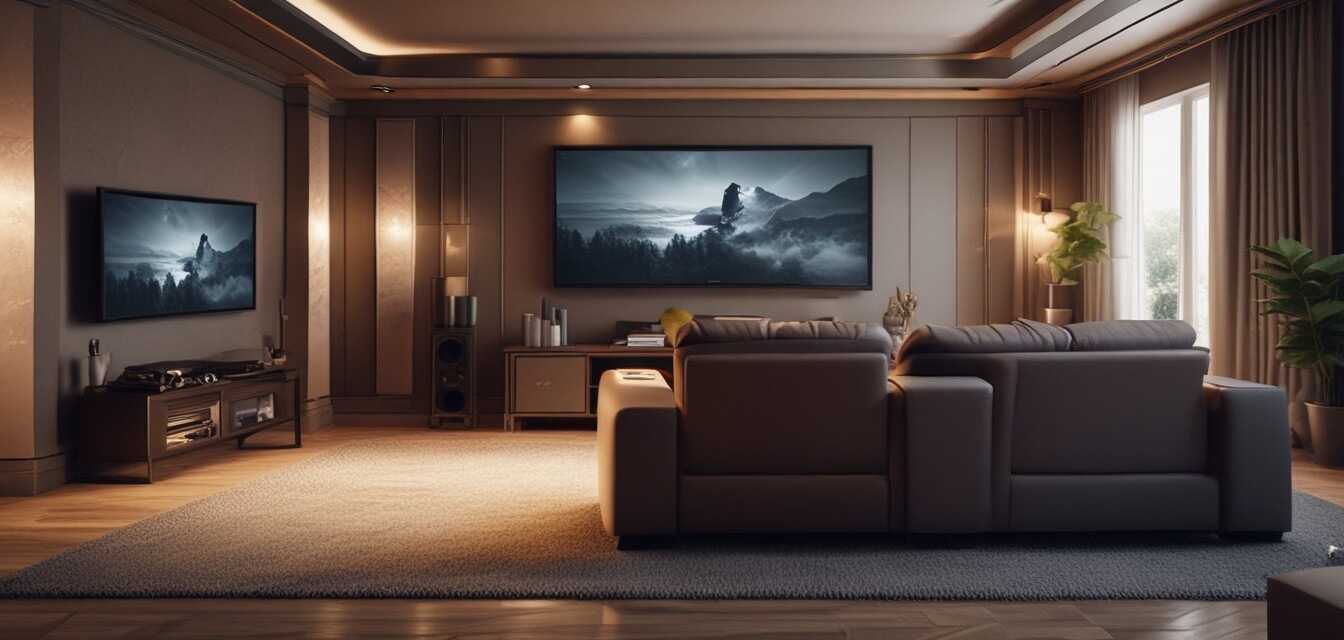
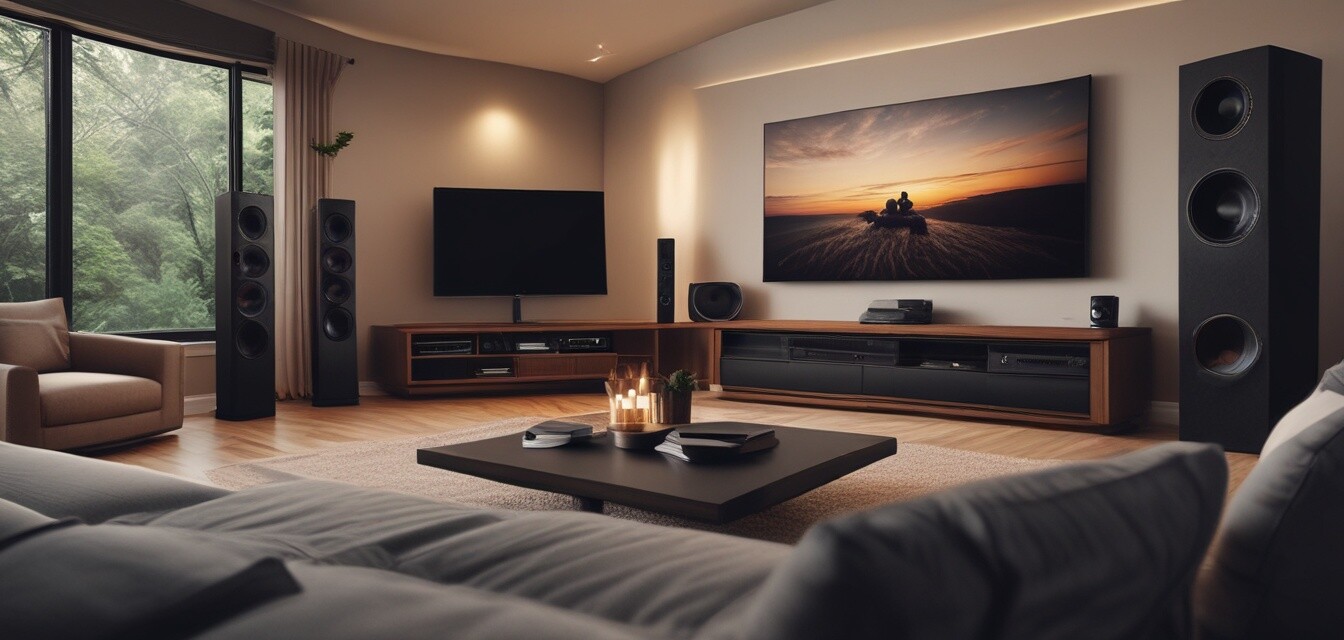
The following images can also guide you in setting up your home theater: