Cables & Connectivity
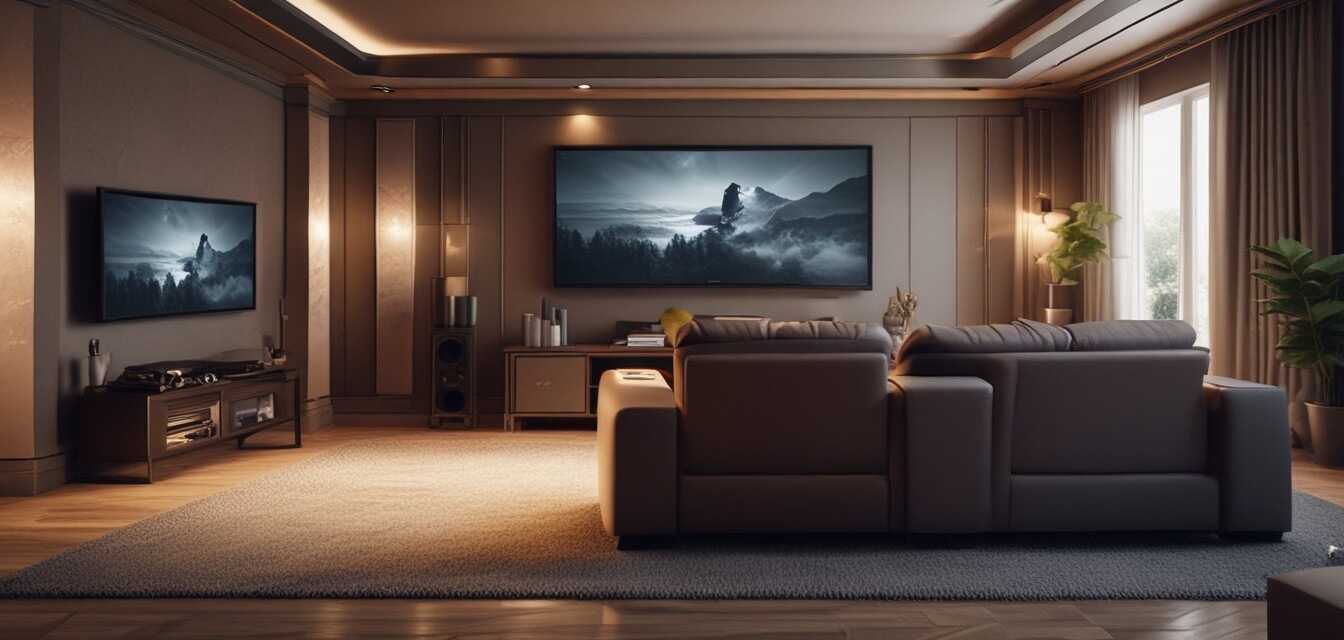
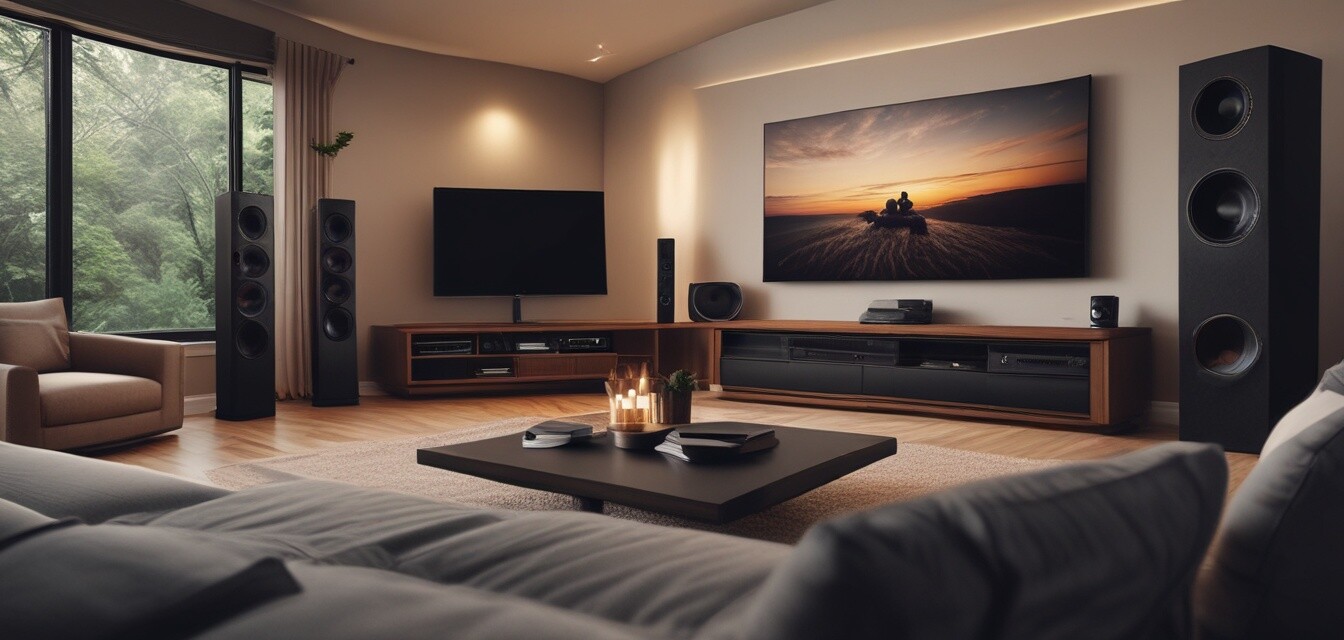
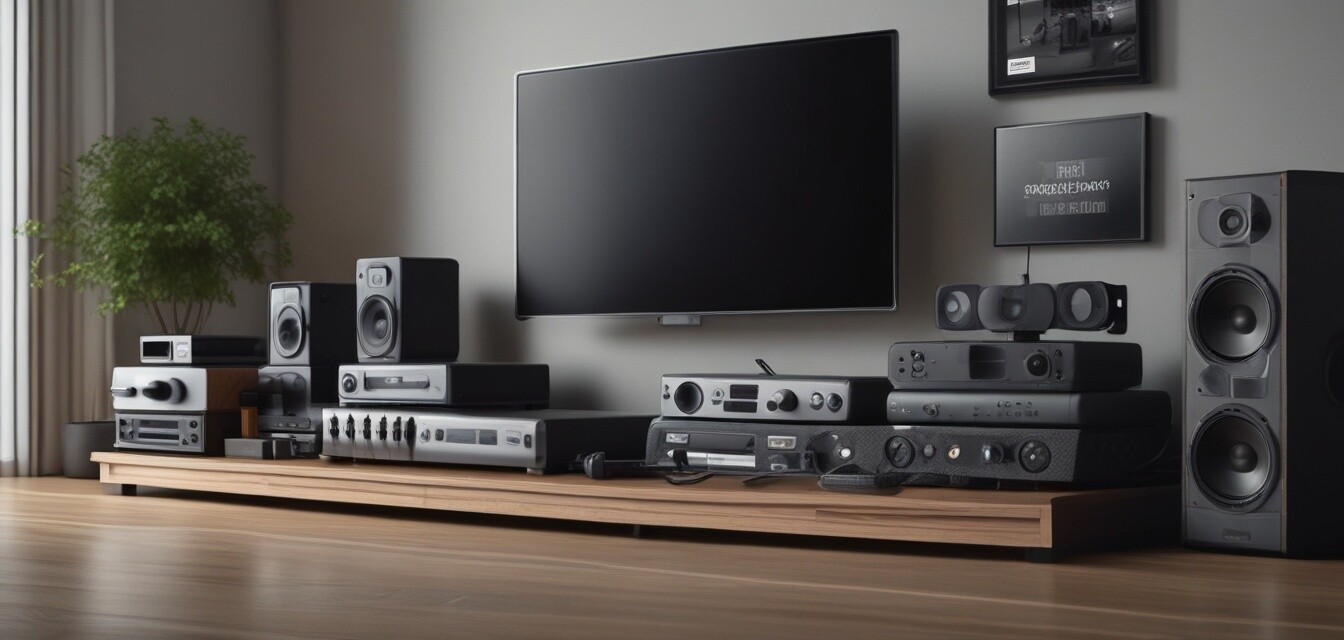
Having the right cables and connectivity solutions is essential for optimizing your home theater performance. It can be the difference between an average viewing experience and a fully immersive one. In this guide, we will explore the various types of cables, connectivity options, and tips for creating a seamless home theater setup.
Key Takeaways
- Different types of cables serve specific functions; understanding them is crucial for optimization.
- Quality cables can drastically improve your audio and video output.
- Maintaining cable organization will help create a neat setup and prevent signal interference.
- Compatibility between devices is essential for ensuring a smooth connection.
Understanding the Importance of Cables in Home Theater Systems
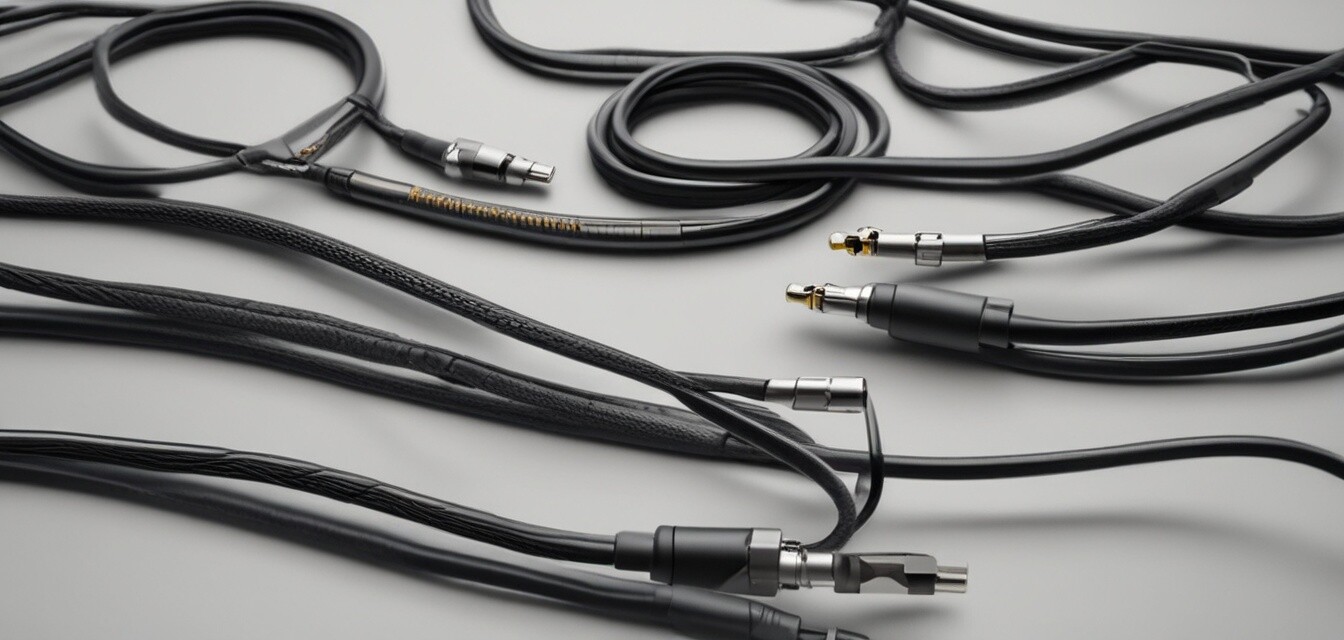
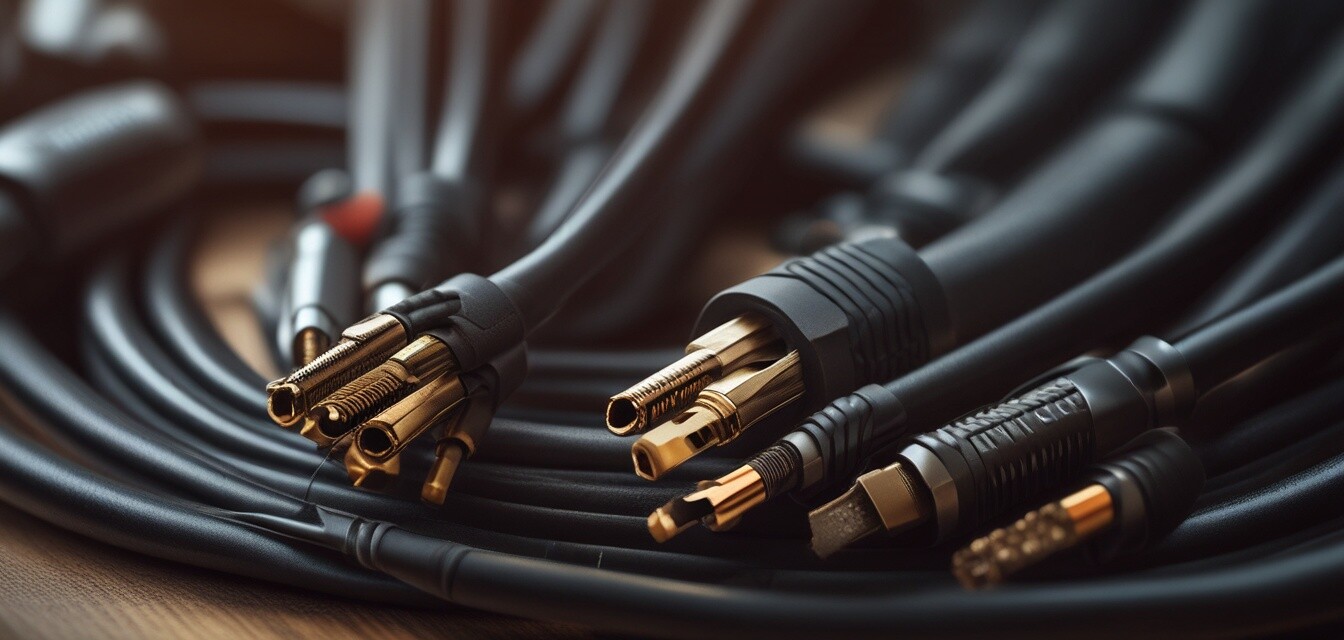
The right cables can enhance your home theater experience dramatically. Poor quality or incompatible cables can result in signal degradation, leading to compromised audio and video quality. Below are the primary types of cables used in home theater systems:
| Cable Type | Primary Use | Key Features |
|---|---|---|
| HDMI | Video and Audio | Supports high-definition content, single cable for video and audio. |
| Optical | Audio | High-quality digital audio, resistant to electrical interference. |
| Coaxial | Video | Good for transmitting high-definition TV signals. |
| Component | Video | Supports 1080p video, requires separate cables for audio. |
| RCA | Audio | Common for older devices, typically termed as analog audio. |
| Ethernet | Network & Streaming | Used for connecting smart devices to the internet. |
Best Practices for Selecting Home Theater Cables
Selecting the right cables is vital for a seamless home theater experience. Here are some tips to guide your choices:
Beginner's Section: Tips for Choosing Cables
- Always check compatibility with your devices.
- Opt for cables that support the highest resolution your theater system can handle.
- Consider length and flexibility to accommodate your space layout.
- Research reputable brands known for durability and performance.
- Read reviews and seek recommendations from trusted sources.
Wiring Standards and Their Impact
It's essential to understand the wiring standards, as they define the performance and quality of connectivity in your system. Common wiring standards include:
| Standard | Detail | Implication |
|---|---|---|
| HDMI 1.4 | 4K support at 30Hz | Not optimal for high frame rate 4K content. |
| HDMI 2.0 | 4K support at 60Hz | Enhanced performance for gaming and streaming. |
| HDMI 2.1 | 4K at 120Hz & 8K support | Future-proofing with advanced gaming features. |
Connecting Devices for Optimal Performance
To ensure a hassle-free experience, it’s necessary to connect your devices correctly. Below is a step-by-step guide to connecting common devices:
- Connect your source device (Blu-ray, PC, Streaming device) to your TV using an HDMI cable.
- Connect your audio system (soundbar or AV receiver) via HDMI ARC or separate optical cables.
- For internet-enabled devices, utilize Ethernet for consistent streaming quality.
- Organize cables to avoid damage and interference - consider using cable ties or sleeves.
- Test the setup by playing high-quality content to ensure optimal performance.
Common Connectivity Issues and Solutions
Even with the best equipment, you may face connectivity issues. Here are some common problems and their solutions:
Pros
- Improved audio and video quality with quality cables.
- Easier access to online content with reliable connections.
- Enhanced durability and lifespan with quality materials.
Cons
- Incompatibility issues with older devices.
- Higher cost for premium cables.
- Complexity in managing numerous cables and connections.
Conclusion
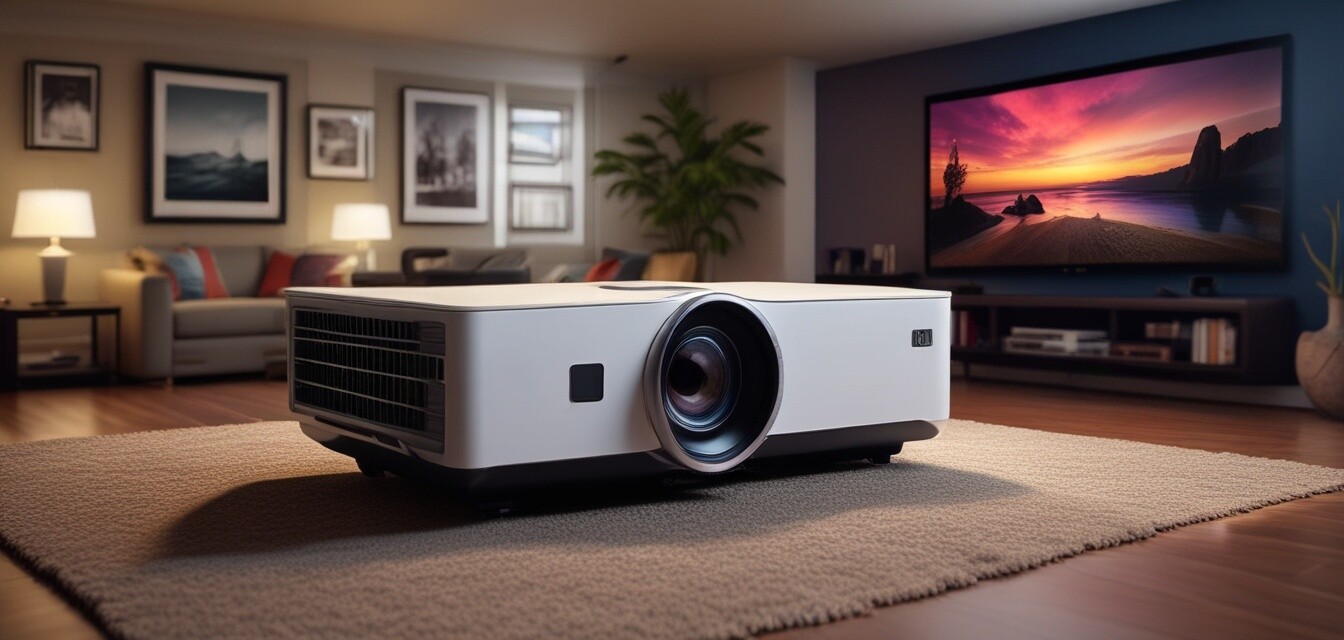
In summary, selecting the right cables and understanding connectivity is vital in creating a fantastic home theater experience. By following the tips and guidelines above, you can optimize your setup for impressively high-quality audio and video. For more information on related accessories, check out our pages on accessories & mounts, Blu-ray & DVD players, and projectors.