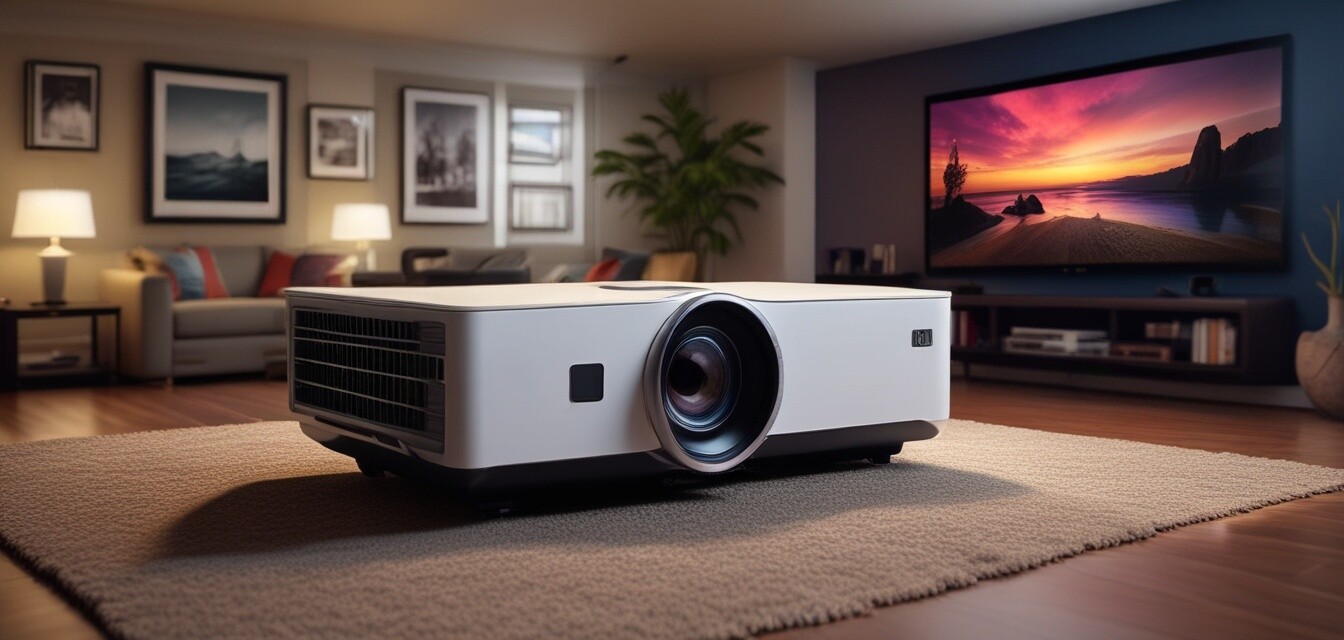
Projectors
Key takeaways
- Understand the different types of projectors available for home theater setups.
- Learn about lumens and how they affect brightness in various lighting conditions.
- Explore the importance of resolution in achieving high-quality images.
- Get installation tips to optimize your projector's performance.
Creating the perfect home theater experience involves selecting the right projector. With advancements in technology, there are various options to choose from. This guide provides an in-depth analysis of home theater projectors, covering types, lumens, resolution, and installation tips. Whether you're a movie buff or a casual viewer, understanding these elements will help you make an informed decision.
Types of projectors
When it comes to home theater projectors, there are several types to consider. Each type offers unique features suitable for different needs:
| Type | Description | Ideal Use |
|---|---|---|
| LCD Projectors | Utilizes liquid crystal displays for bright and vibrant images. | General home use and presentations. |
| DLP Projectors | Uses a digital light processing chip that provides sharp images. | Movies and gaming. |
| LCoS Projectors | Combines the best of LCD and DLP technologies for superior color accuracy. | High-end home theaters. |
| Short Throw Projectors | Can project large images from a short distance. | Small rooms with limited space. |
Understanding lumens
Lumens measure the brightness of a projector, and it’s essential to consider this when selecting a projector for your home theater. Here’s a breakdown of how lumens affect your viewing experience:
- Low Lumens (1000-2000): Best for dark environments; ideal for movies.
- Medium Lumens (2000-3000): Suitable for rooms with some ambient light.
- High Lumens (3000+): Works well in bright rooms; perfect for daytime viewing.
Resolution matters
Resolution plays a crucial role in image quality. Higher resolutions result in sharper and more detailed images. Here are the common resolutions you’ll encounter:
| Resolution | Pixel Count | Best For |
|---|---|---|
| SVGA (800x600) | 480,000 pixels | Basic presentations and slideshows. |
| XGA (1024x768) | 786,432 pixels | Standard home use and movies. |
| 1080p (1920x1080) | 2,073,600 pixels | High-definition movies and gaming. |
| 4K (3840x2160) | 8,294,400 pixels | Ultimate home theater experience. |
Installation tips
Installing your projector can significantly affect its performance. Here are some crucial tips to consider:
Beginners Section
- Choose the right screen size based on your room dimensions.
- Ensure proper distance from the screen for optimal image size.
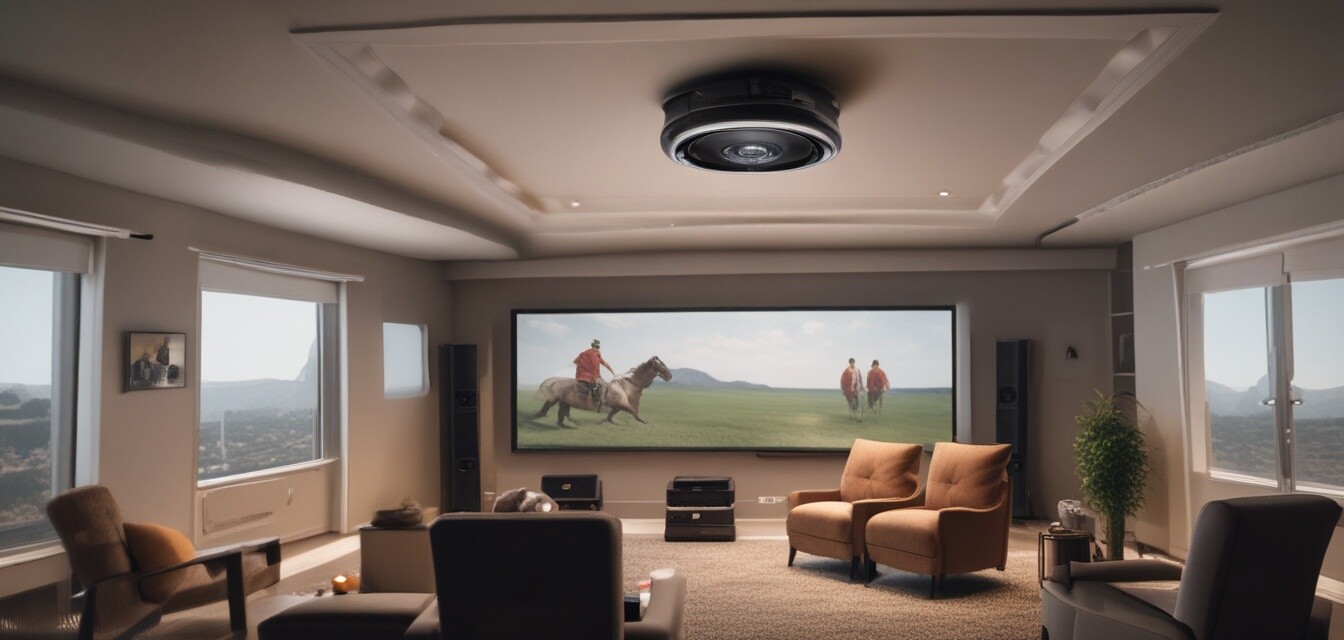
- Consider ceiling mounting for a clean look and better viewing angles.
- Use blackout curtains to enhance image quality in bright rooms.
- Test different positions before finalizing the setup.
Conclusion
Choosing the right projector for your home theater can enhance your viewing experience significantly. By understanding the types of projectors, lumens, resolution, and installation tips, you can make an informed decision that suits your needs. For further information, explore our sections on accessories & mounts, Blu-ray & DVD players, and sound systems to complement your projector setup.
Pros
- Flexible viewing options with varying screen sizes.
- Great for movie nights and gaming sessions.
- Can create a cinematic experience at home.
Cons
- Need for a darker environment for optimal image quality.
- Potential installation challenges.
- Maintenance may be needed for bulb replacement.