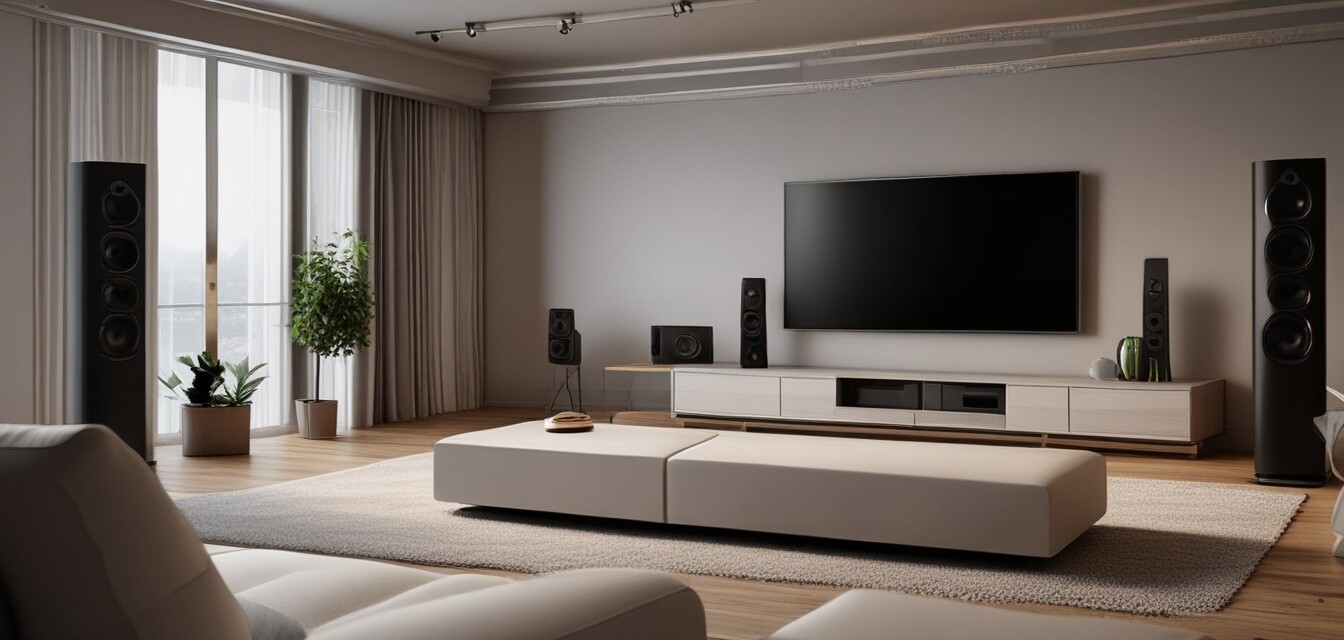
Tips for Perfectly Calibrating Your Home Theater Audio
Key Takeaways
- Understanding speaker placement is critical for optimal sound quality.
- Use calibration tools and apps for precise audio settings.
- Room acoustics play a significant role in affecting sound performance.
- Regularly adjusting settings can enhance your audio experience.
- Consider future upgrades when planning your audio setup.
Calibrating your home theater audio is an essential step for creating immersive audio experiences. Proper calibration ensures that your sound system is tailored to your listening environment, leading to a more engaging movie or gaming experience. In this article, we will look in-depth at various aspects of audio calibration, from speaker placement to using calibration tools.
Understanding Speaker Placement
The positioning of your speakers can greatly influence the quality of sound in your home theater. Here are the key points to consider:
- Front speakers: Typically, these should be placed at ear level and angled slightly towards the listener.
- Center speaker: Place this directly above or below the screen for dialogue clarity.
- Surround speakers: Position these slightly above ear level and to the sides or behind the seating area.
Distance and Angles
The ideal distance between speakers and the listening position plays a vital role. A common recommendation is to position front speakers approximately 10-12 feet apart and to sit about 8-10 feet away from the screen.
Using Calibration Tools
Calibration tools can help fine-tune your audio settings. Here are some options to consider:
| Tool | Description |
|---|---|
| Calibration Microphone | A microphone used to measure room acoustics and help adjust settings for optimal sound. |
| Mobile Apps | Apps like Room EQ Wizard can analyze audio signals and provide recommendations for calibration. |
| Sound Level Meter | This tool measures the sound level from each speaker to help achieve balanced audio. |
Room Acoustics and Sound Performance
Your room's acoustics greatly influence sound quality. Here are a few suggestions to improve the acoustics:
- Use wall panels or curtains to absorb sound reflections.
- Consider adding rugs to dampen echoes.
- Place furniture strategically to enhance sound diffusion.
Regular Adjustments for Optimal Audio
Over time, you may find that your audio needs change. Regularly revisiting your settings is crucial. Here’s how to keep things optimized:
- Check and adjust speaker settings after rearranging the room.
- Re-calibrate audio settings if you add new equipment.
- Listen regularly to ensure everything sounds as it should.
Future Upgrades and Planning
When planning your home theater, consider future upgrades. You might want to integrate additional speakers or advanced audio systems in the future. Keeping your current setup flexible can help with this.
Tips for beginners
- Start with basic adjustments and gradually increase complexity as you learn.
- Watch online tutorials to familiarize yourself with calibration techniques.
- Don't hesitate to ask for help from friends or online communities.
Pros
- Improved sound clarity and quality.
- Enhanced movie and music experiences.
- Customization to fit your specific environment.
Cons
- Time-consuming process for optimal results.
- Potential need for additional tools or software.
Conclusion
Properly calibrating your home theater audio will elevate your viewing and listening experience, making it more enjoyable and immersive. By understanding speaker placement, utilizing calibration tools, and considering room acoustics, you’re well on your way to creating the ultimate sound setup. Remember to keep your system adaptable for future upgrades, and don’t forget to regularly fine-tune your settings to maintain the best audio quality.
For more tips and guides, check out our Installation Tips page.
Interested in shopping for audio equipment? Visit our Sound Systems section for product recommendations.